Chrome Introduces AI ‘Skills’ That Let Users Save and Reuse Prompts
Google Chrome’s new “Skills” feature lets users save and reuse AI prompts with Gemini, turning repetitive tasks into one-click actions across multiple tabs.
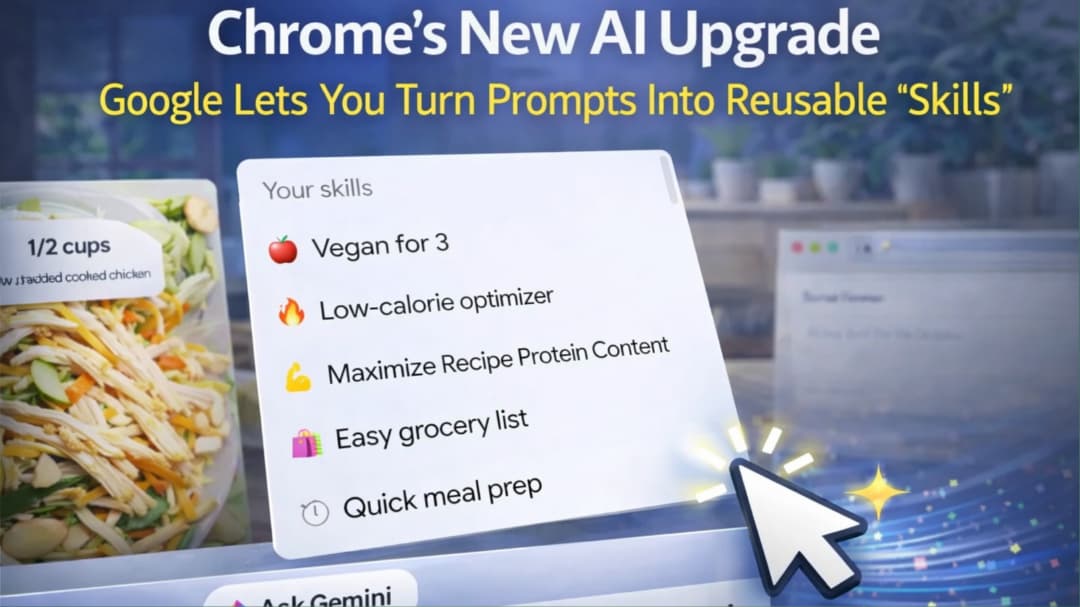
Google is rolling out a new update to Google Chrome that could change how people use the internet every day.
It’s called “Skills.”
And the idea is simple: instead of typing the same AI instructions again and again, you save them once and reuse them anytime.
The feature works with Google Gemini inside Chrome. So your AI prompts are no longer one-time commands. They become reusable shortcuts.
The move directly addresses one of the biggest frustrations with AI tools today: repetition. Google product manager explained that tasks like asking for recipe substitutions or summarising pages often require re-entering the same prompt over and over again. Skills removes that friction by letting users save and reuse those instructions instantly.
So What Exactly Are “Skills”?
Skills are basically saved AI prompts.
You write a prompt once. For example:
“Summarize this article in bullet points”
“Compare these products across tabs”
“Make this recipe vegan”
Then you save it as a Skill.
After that, you don’t type it again, You just click it and run it.
Even better, it can work across multiple tabs at once. So Chrome can pull info from different pages and process them together.
Latest Tech News
Decode Africa's Digital Transformation
From Startups to Fintech Hubs - We Cover It All.
Google says this solves a real problem. People kept repeating the same prompts over and over. Especially for shopping, studying, and research.
Now, that repetition is gone.
How This Actually Works
Once the feature reaches your Chrome browser (desktop first), this is what happens:
You open Gemini inside Chrome, you type a prompt once, then you save it as a Skill.
Later, you can open any webpage, select multiple tabs and run your saved Skill instantly

No rewriting, no copying, no stress.
Google also added a shortcut system. You can trigger Skills quickly using a command style interface inside Chrome.
And yes, everything syncs across your devices if you’re logged into the same Google account.
So if you save it on your laptop, it’s available on your other desktop too.
Google Is Also Giving You Ready-Made Skills
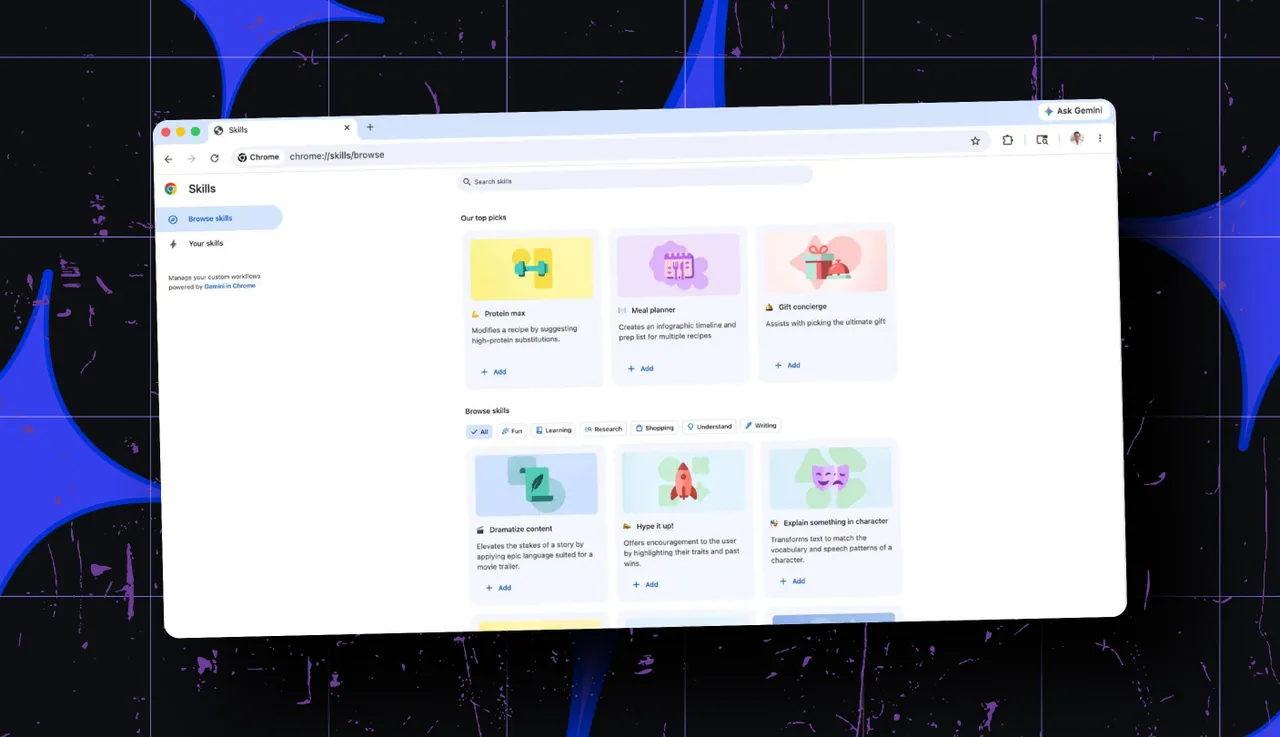
Not everyone wants to build their own and so Google is adding a library of preset Skills.
These are pre-made prompts you can use immediately or edit to fit your needs
For example, early versions include: shopping comparison tools, nutrition breakdown for recipes and multi-tab product analysis
It’s basically plug-and-play AI, no setup stress.
Latest Tech News
Decode Africa's Digital Transformation
From Startups to Fintech Hubs - We Cover It All.
Why This Actually Matters
This update is not just about convenience. It reflects a deeper shift in how AI is being used inside everyday tools.
Until now, most AI interactions have been conversational. You ask a question, get an answer, and then repeat the process when needed.
Skills changes that model by turning prompts into reusable systems.
Instead of asking AI repeatedly, users can now build a collection of actions that match how they work online. In practical terms, this means less typing and more automation.
Industry observers note that this move pushes AI beyond chat and into workflow automation, where prompts begin to function more like software tools rather than one-time instructions.
And for students, researchers, writers, or anyone who spends time jumping between tabs, this could save a lot of time.
Instead of repeating the same instructions, you just tap and go.
Google is turning everyday AI usage into something faster and more personal.
With Skills, prompts are no longer disposable. They become reusable tools that adapt to how people browse, research, and work online.
It is a simple idea, but one that could quietly redefine how millions interact with the web.
Simple idea, Big impact.